How to deploy Microsoft .NET in Ubuntu Linux
You need to deploy Microsoft .NET on your Linux machine. In this how-to article, we will discuss the .NET framework 6 on Ubuntu Linux LTS 22.04. The article provides guidance on how to deploy Microsoft .NET in Ubuntu Linux.
Solution
Section titled “Solution”Go through the following steps:
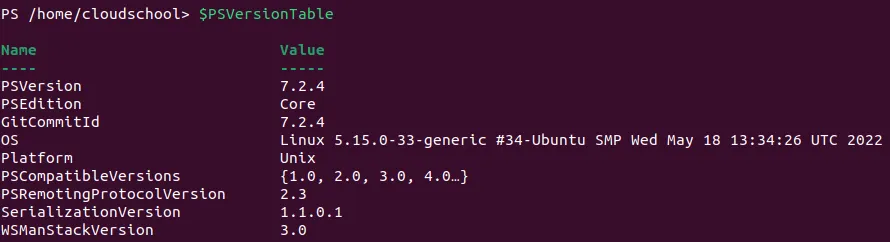
- Run the following commands in your Linux Ubuntu Powershell core terminal.
wget https://packages.microsoft.com/config/ubuntu/22.04/packages-microsoft-prod.deb -O packages-microsoft-prod.debsudo dpkg -i packages-microsoft-prod.debrm packages-microsoft-prod.deb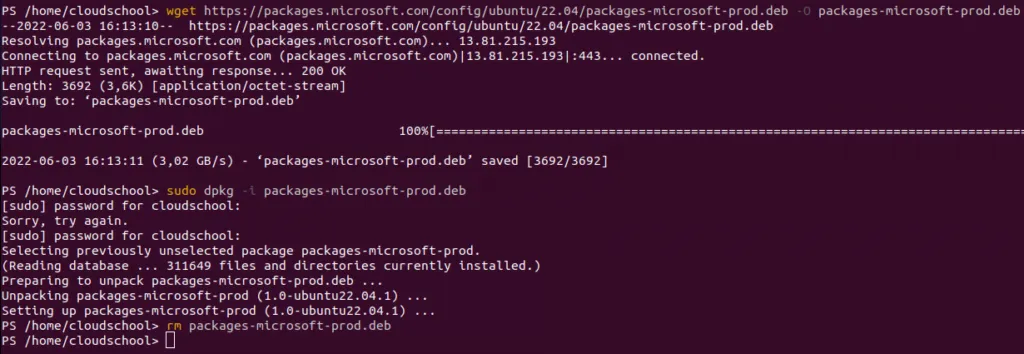
- Install the .NET SDK (instead of the runtime only) by running the following commands
sudo apt-get updatesudo apt-get install -y apt-transport-https && sudo apt-get update && sudo apt-get install -y dotnet-sdk-6.0- To verify the .NET installation on your Ubuntu machine, run the following commands:
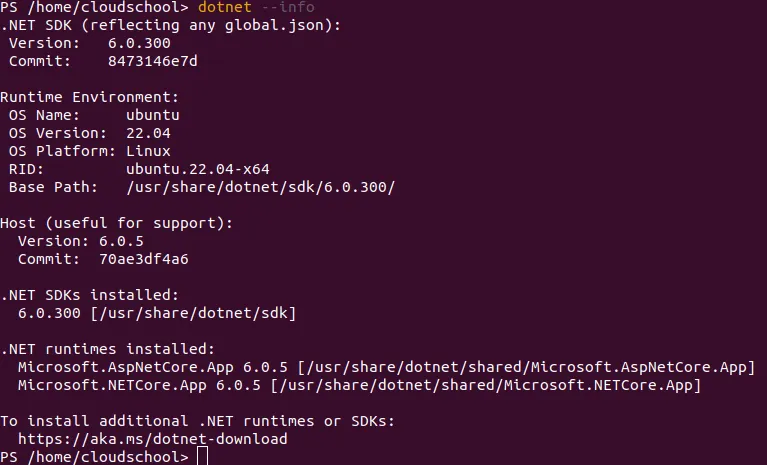
dotnet --list-sdksdotnet --list-runtimesdotnet --info
References
Section titled “References”https://docs.microsoft.com/en-us/dotnet/core/install/linux-ubuntu