Cannot edit TCP port configuration in SQL Server Configuration Manager
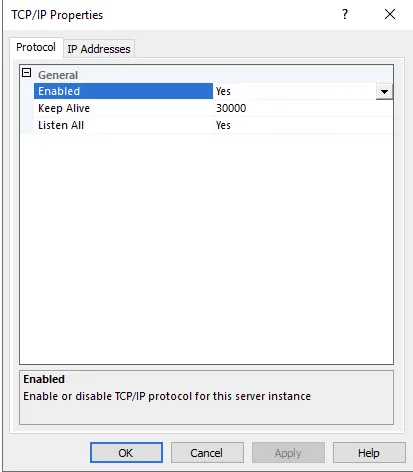
You cannot edit any information inside TCP settings of the SQL Server Configuration manager.
Solution
Section titled “Solution”This issue can occur if the User Account Control (UAC) is enabled in Windows Server where the SQL Server is installed. In this case you must run the SQL Server Configuration Manager in elevated mode (Run as administrator).